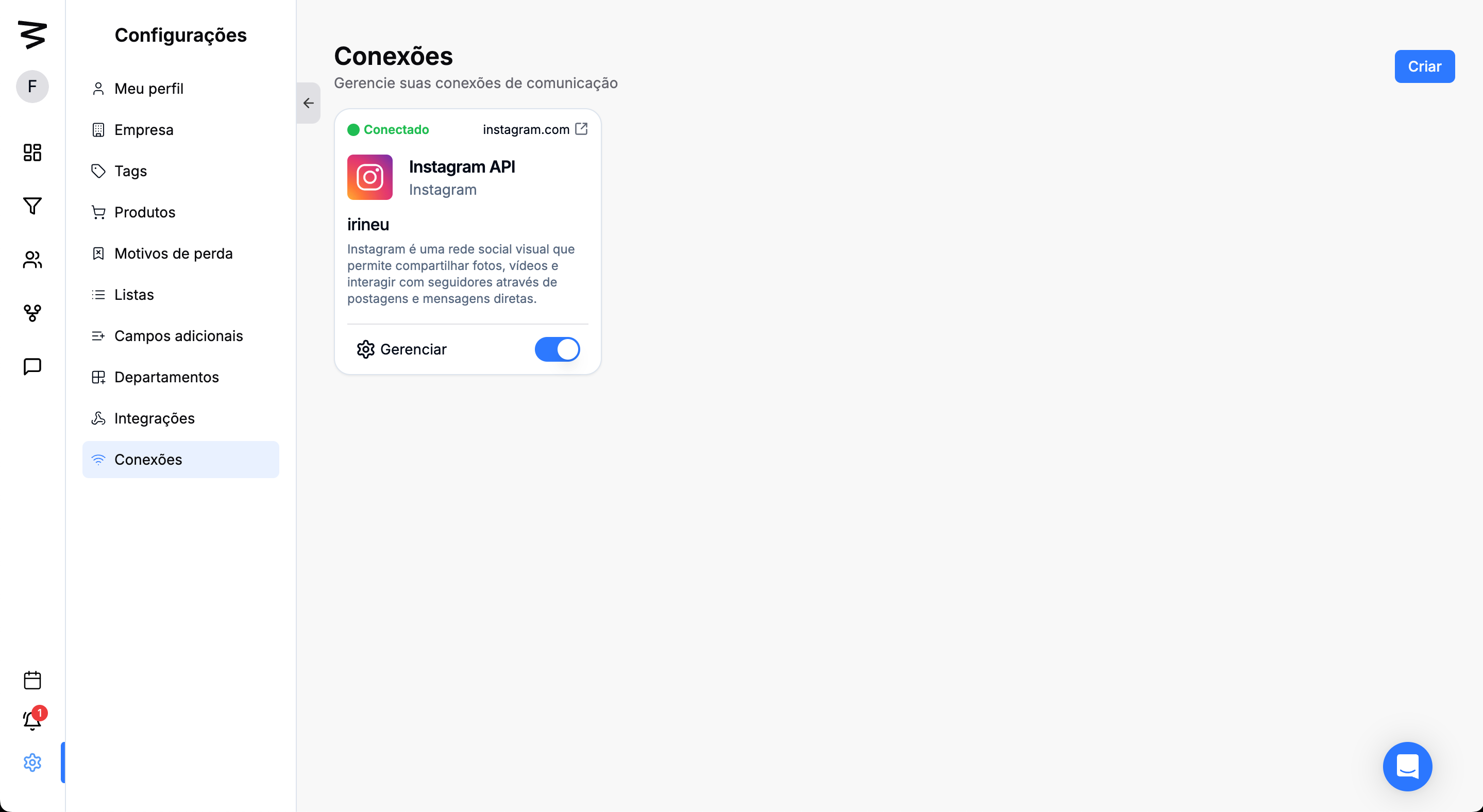
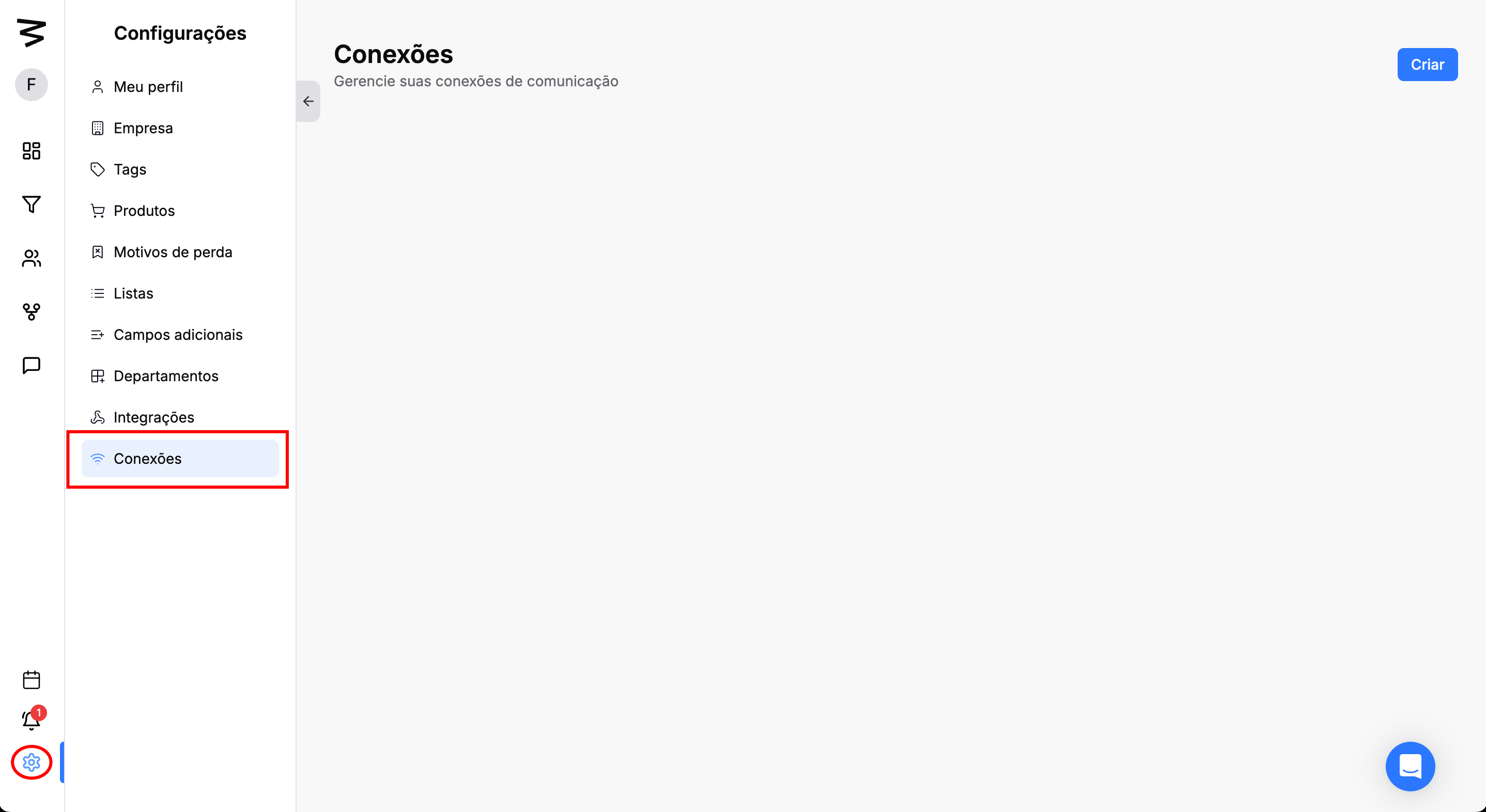
Step 1: Access the Connections menu
On the left side menu, click on "Settings".
Click on "Connections".
Click the "Create" button
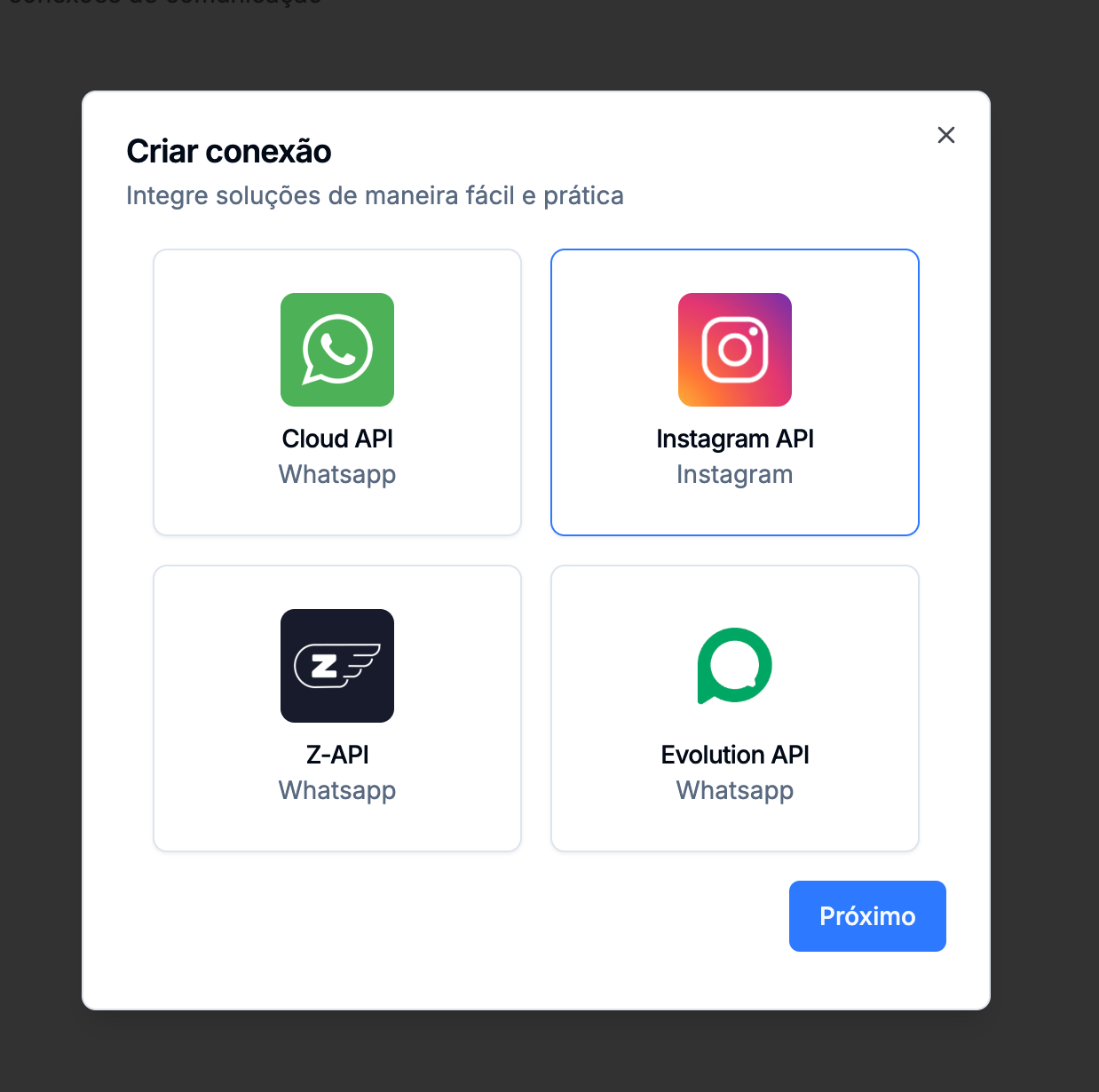
Step 2: Select "Instagram API"
Select "Instagram API"
Click on "Next"
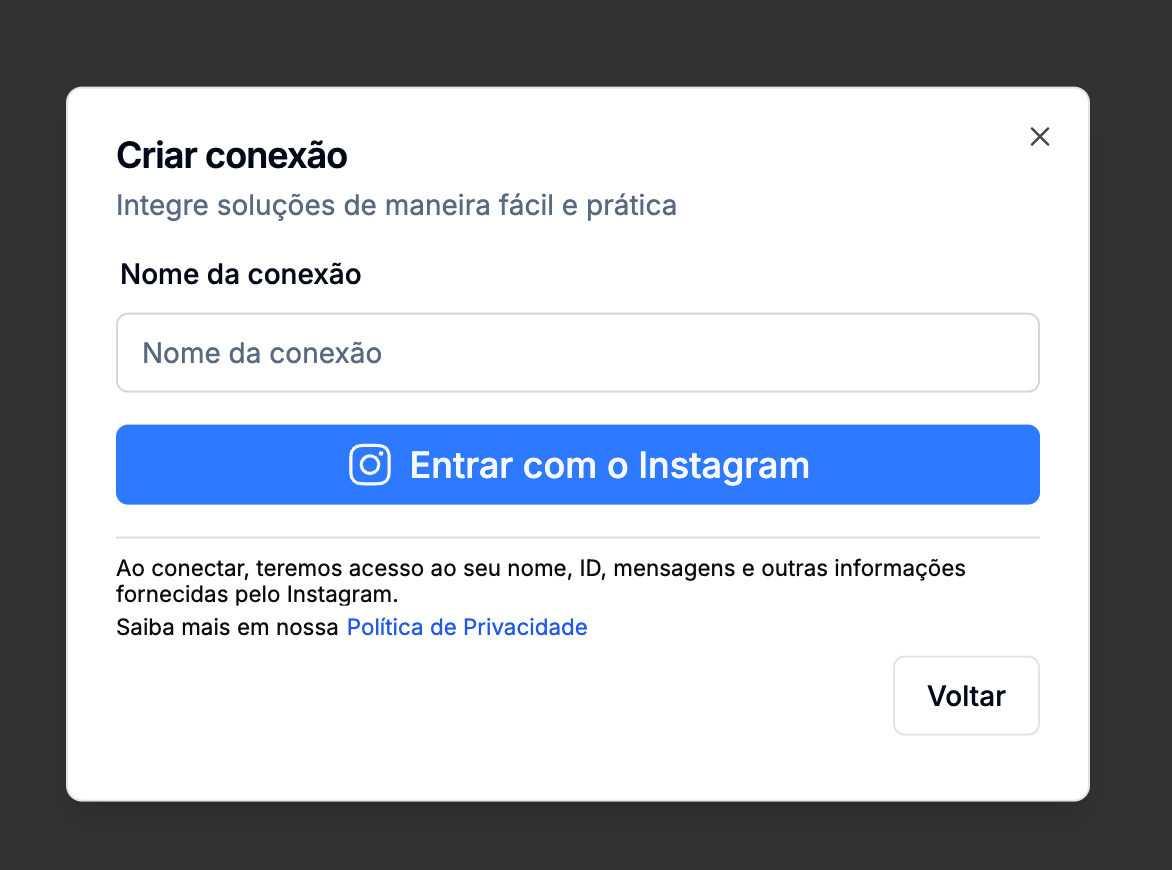
Step 3: Set the connection name
After entering the connection name click on "Sign in with Instagram"
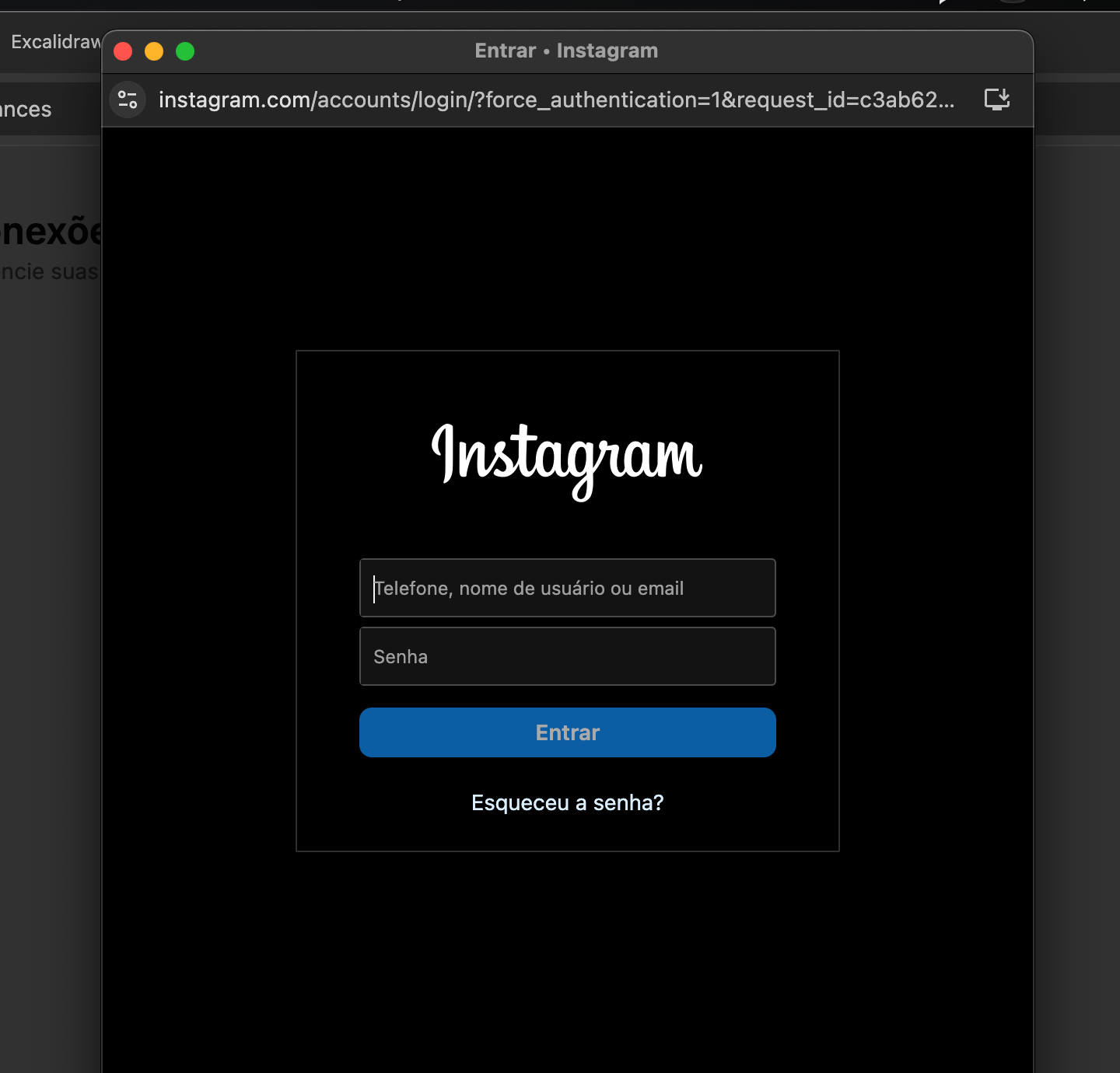
Step 4: Login
Log in to the account you want to integrate
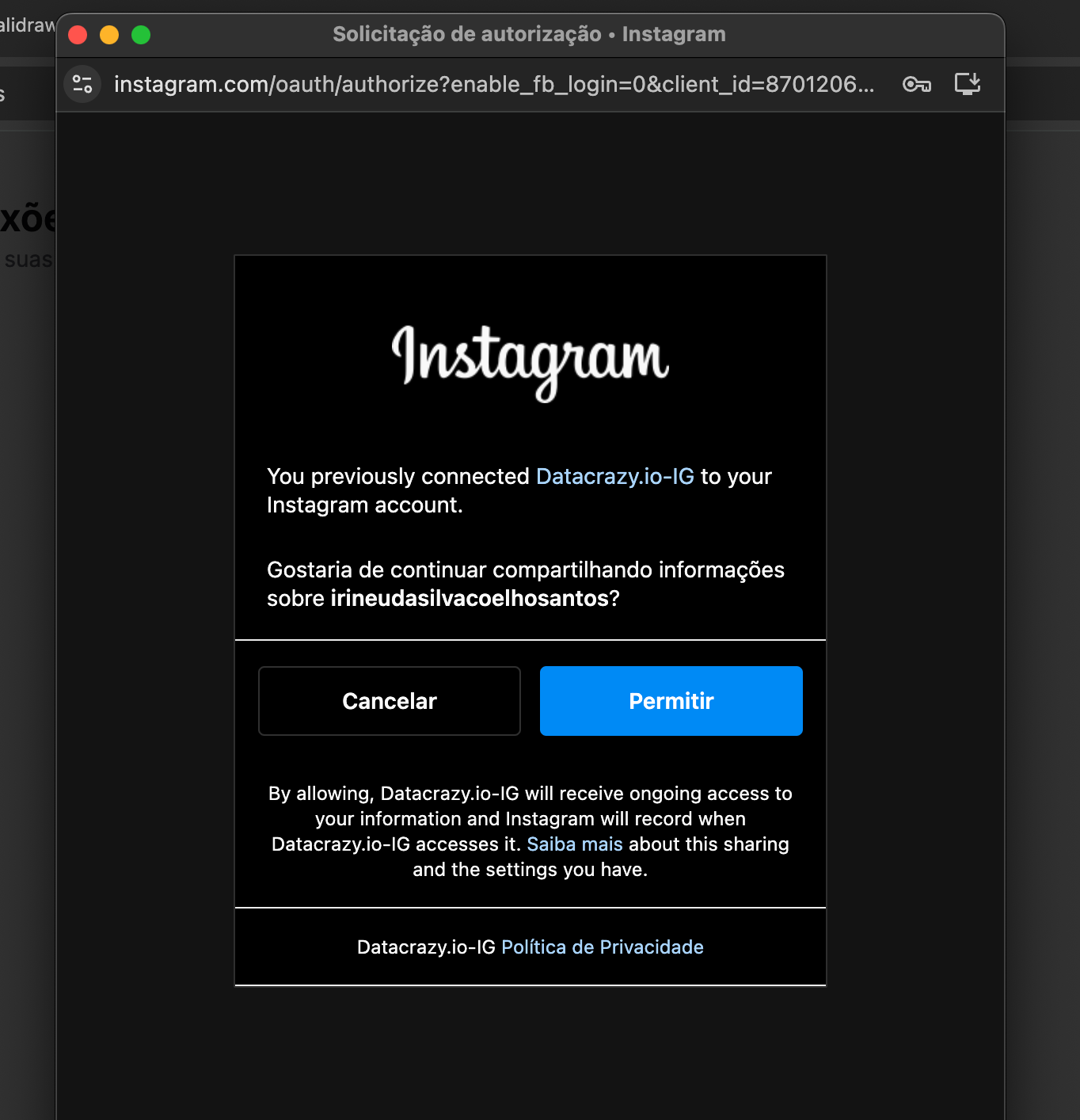
Step 5: Permission
To integrate your account with the CRM you need to allow information sharing
Click on "Allow"