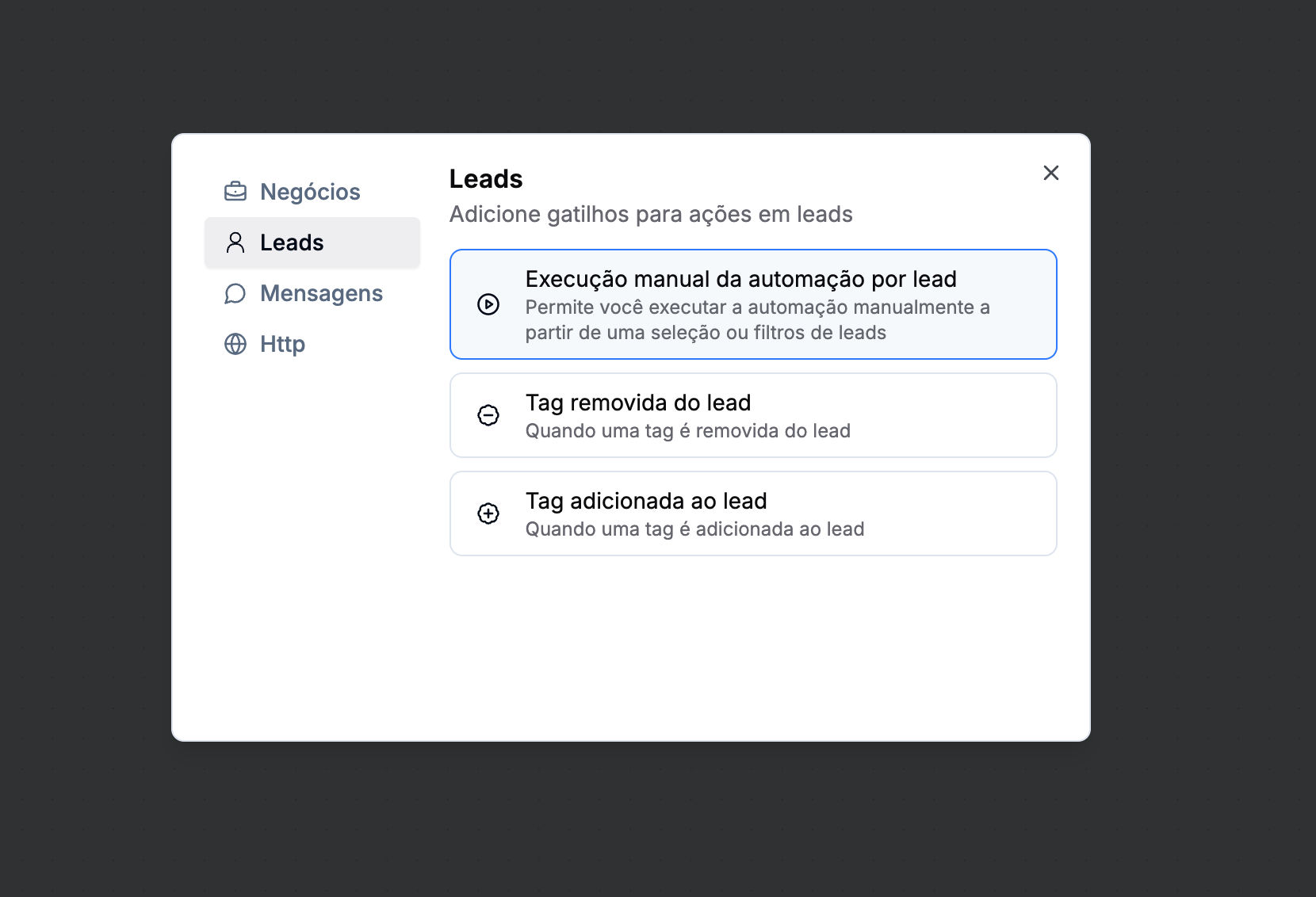
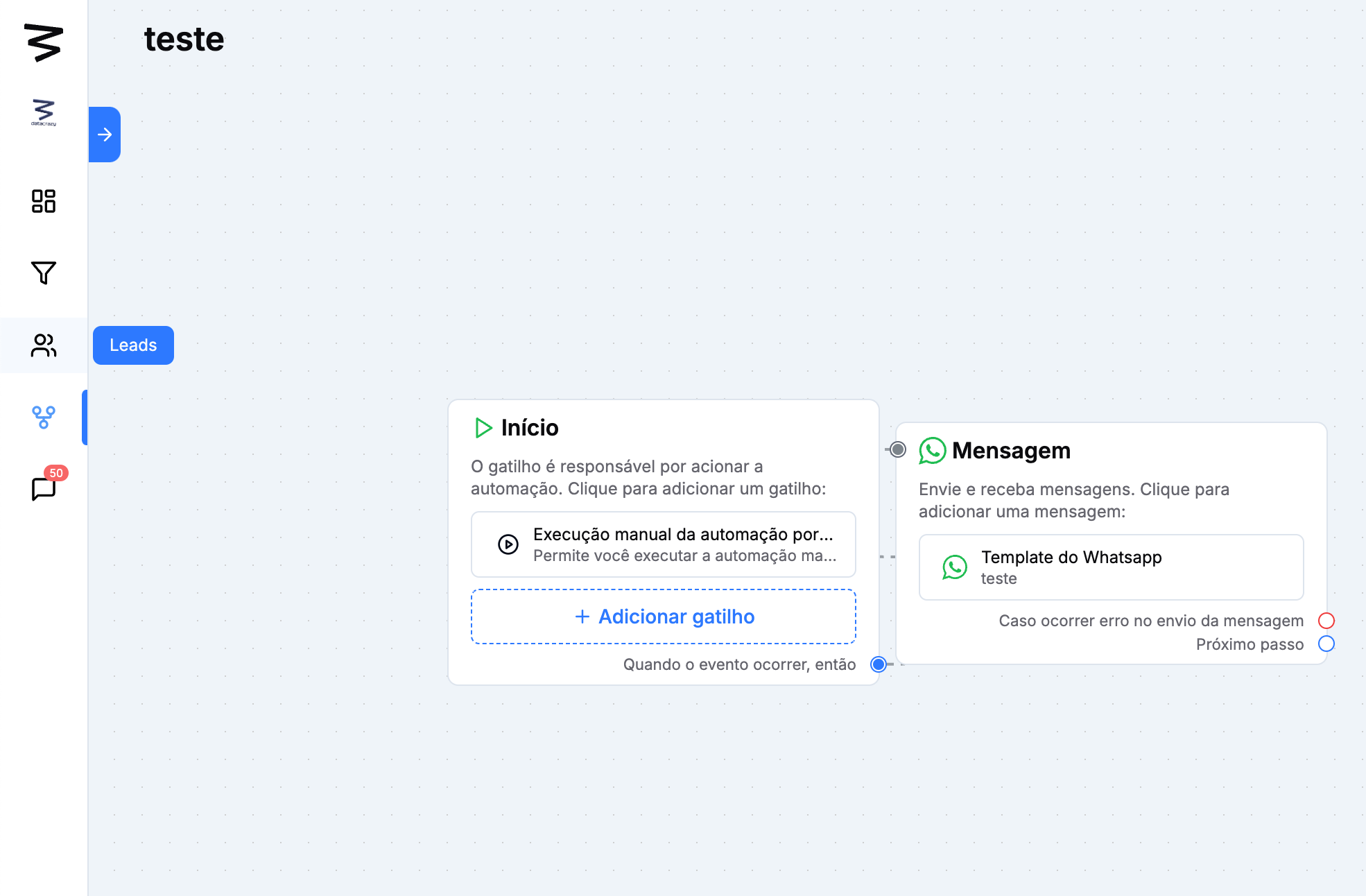
Step 1: Initial Trigger
Select the action “Manual automation execution by lead”
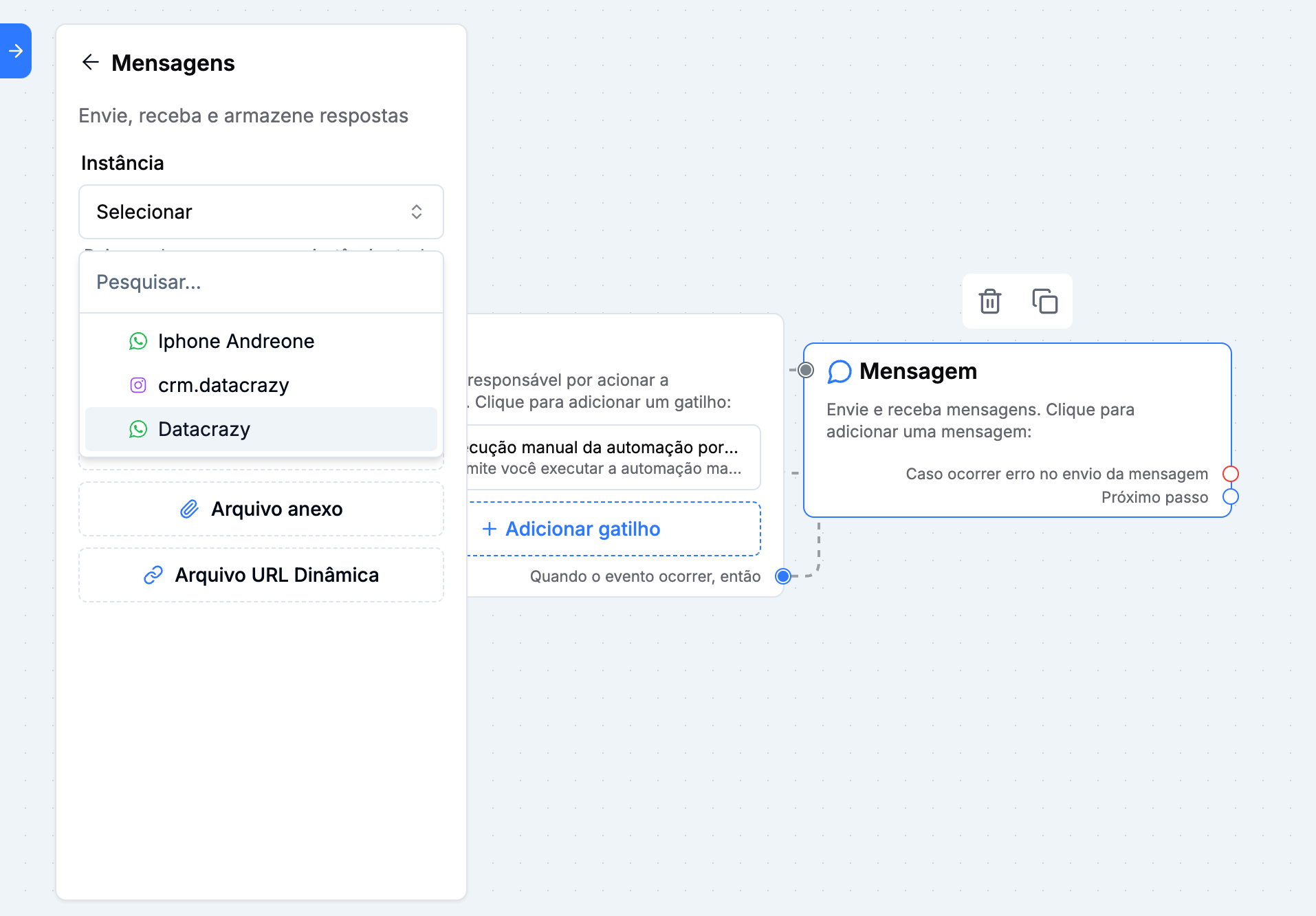
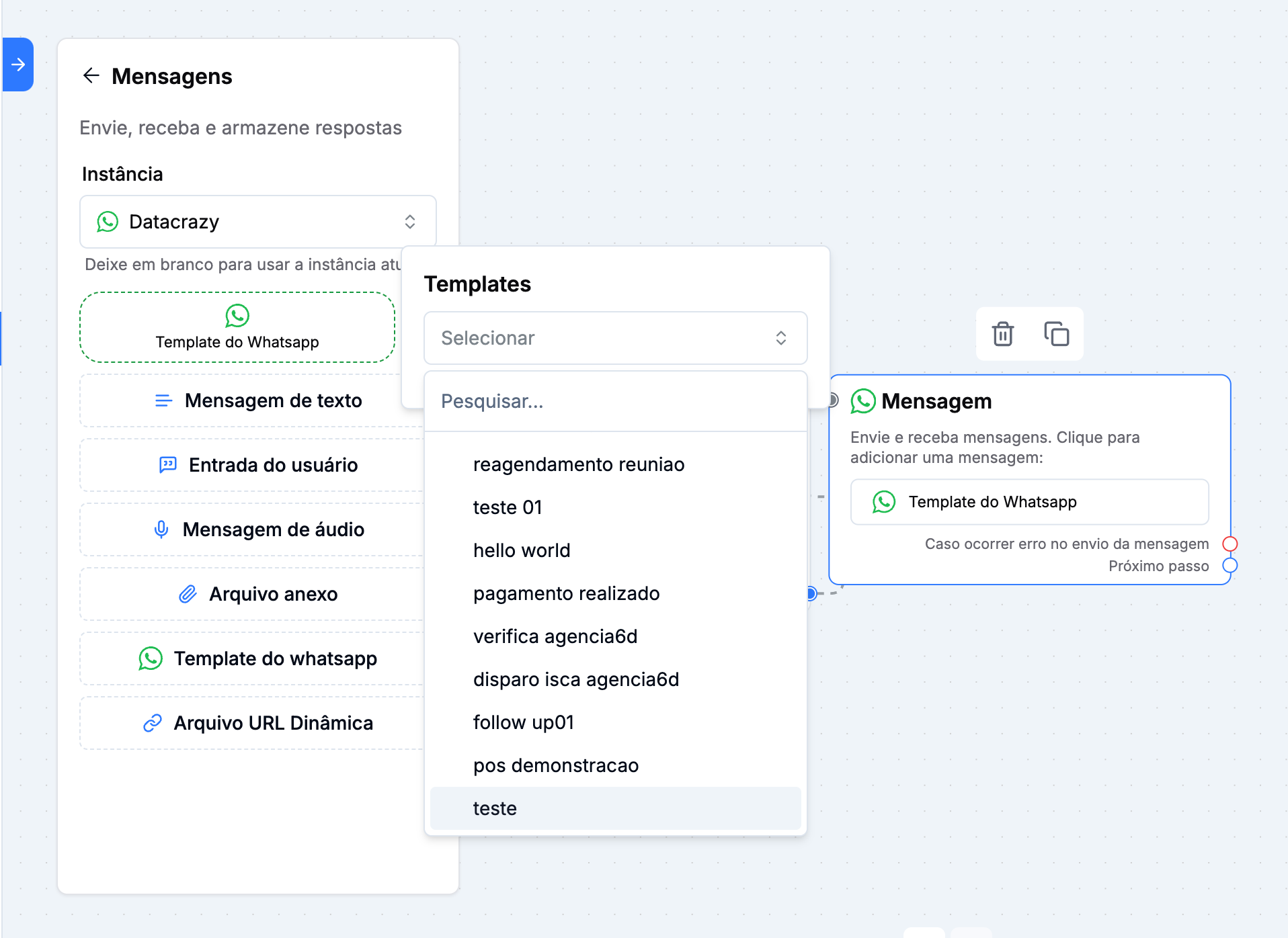
Step 2: Message
Select the “Message” field as the next step
Select your instance
Add the WhatsApp Template
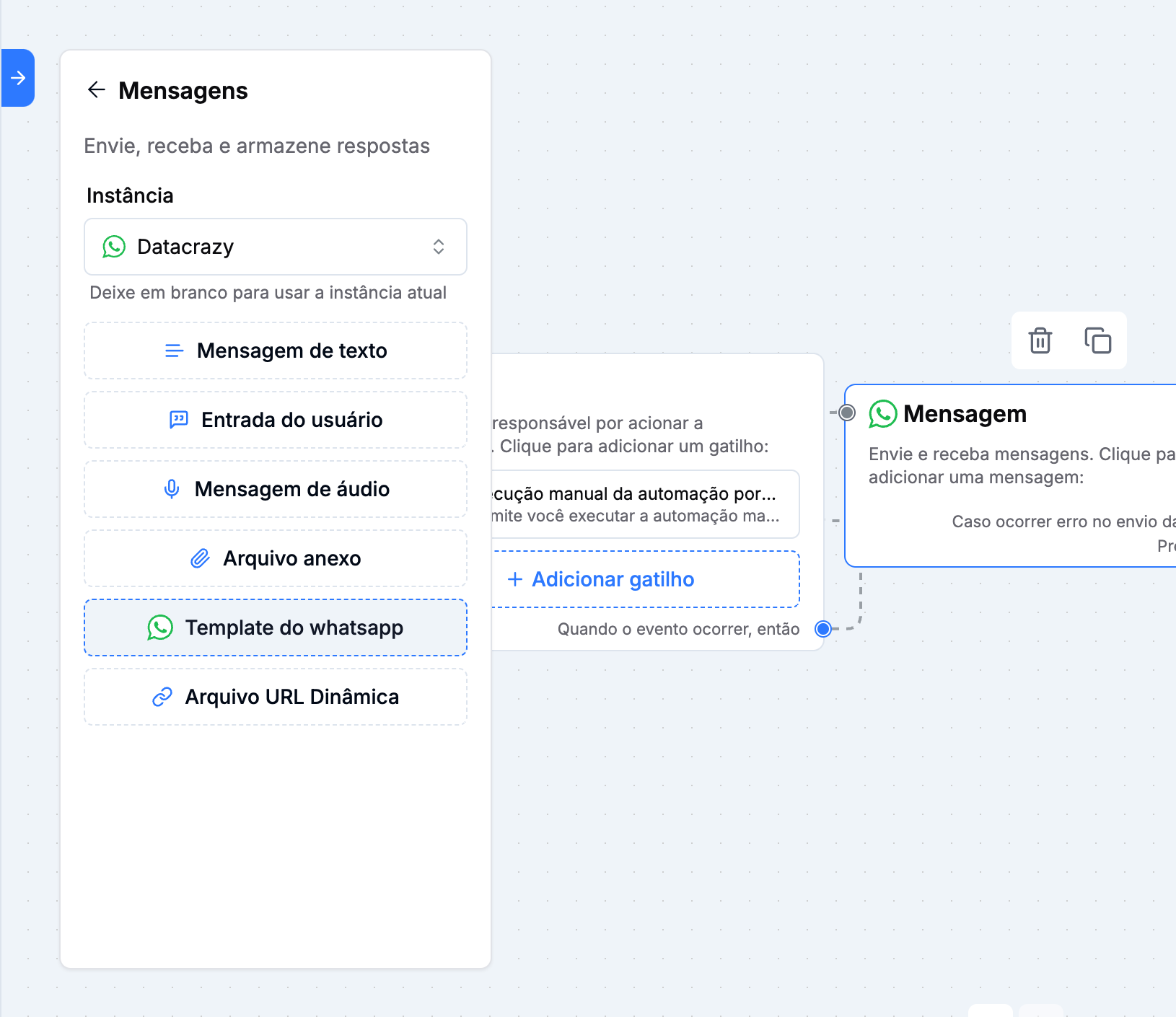
After adding the template you need to choose an existing template
Step 3: Trigger by Lead
Go to “Leads”
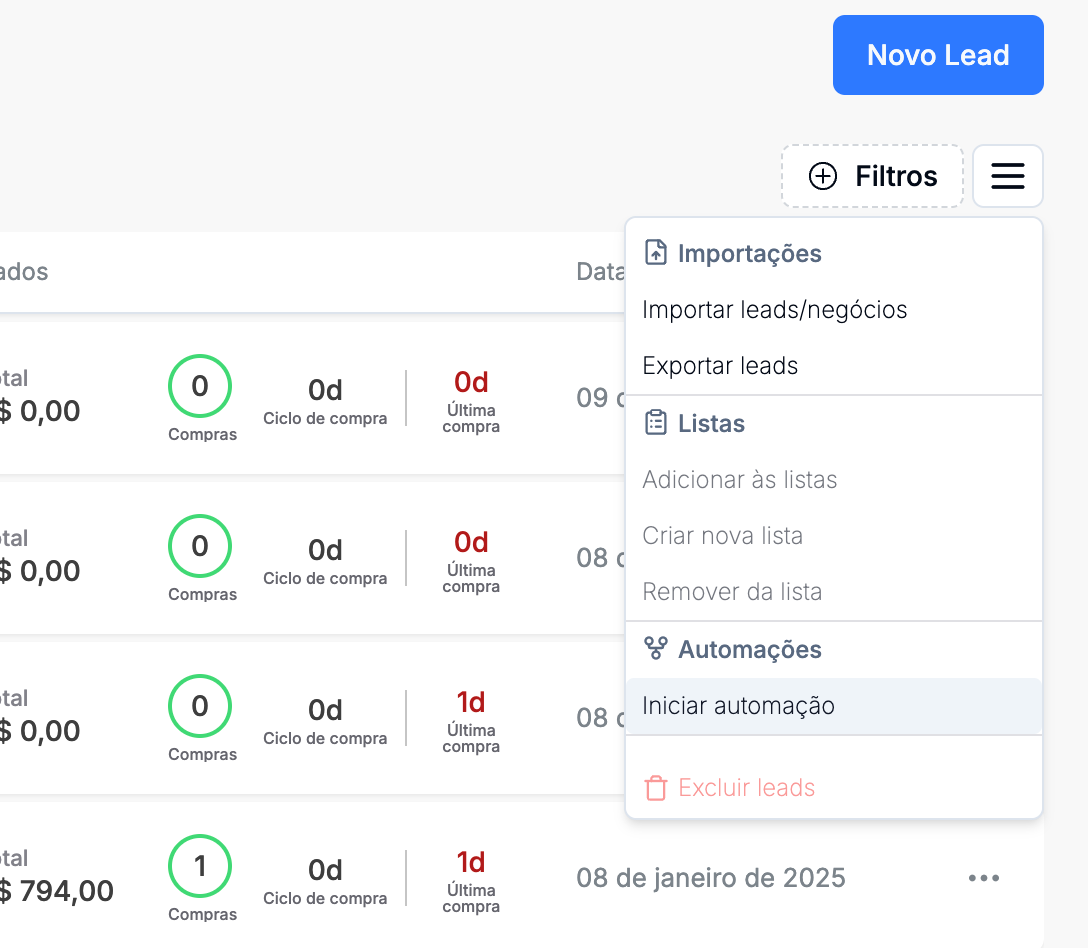
Click on the “Options”

Click on the “Start automation” option
Select the implemented automation, in my case it was “Test”
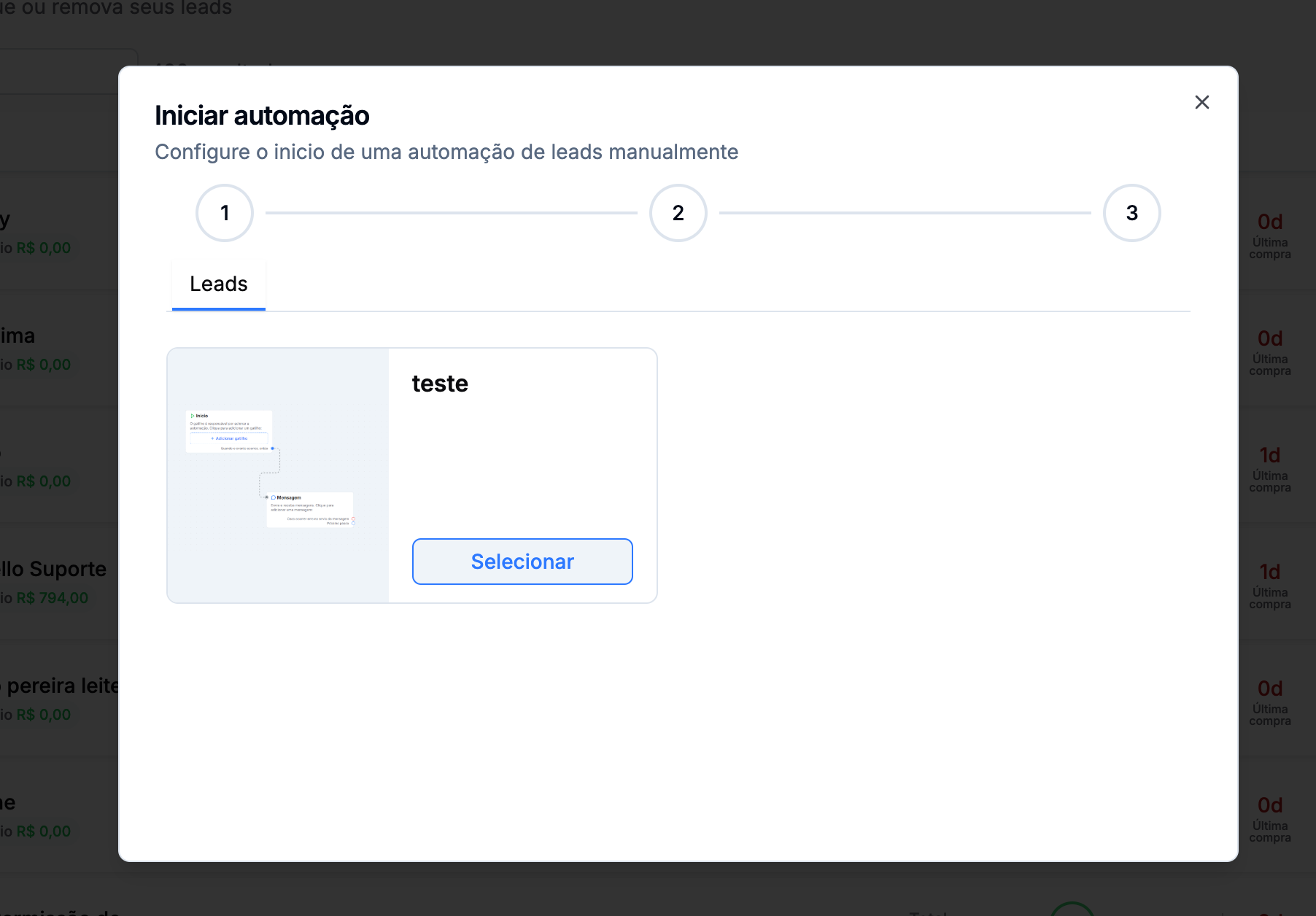
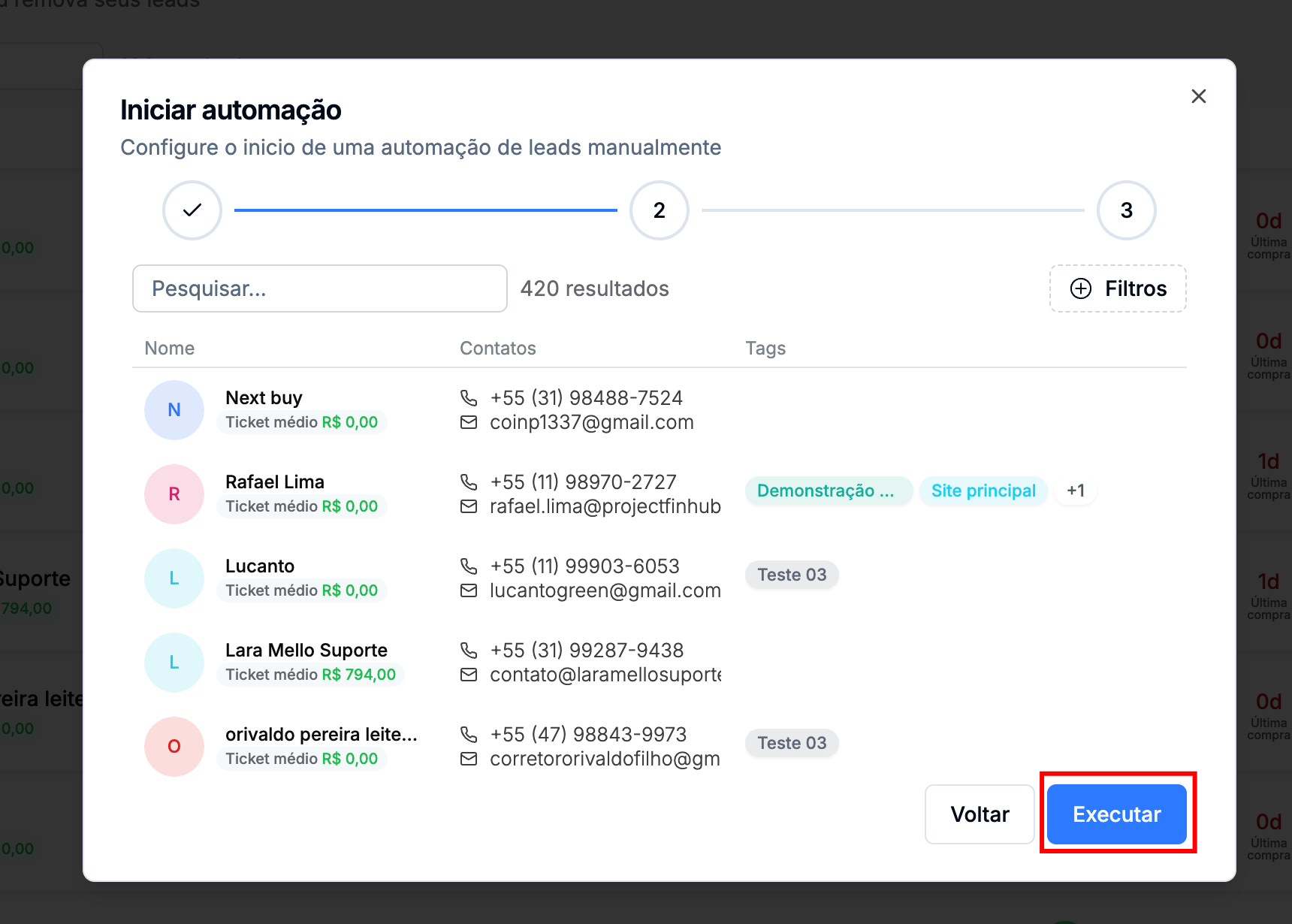
Finally, click run to trigger the “Test” template