
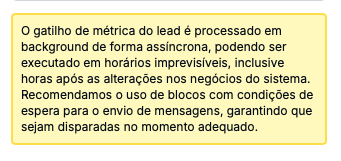
The trigger "Lead reaches a defined amount of won deals" is used to start automations and has a simple setup. Before using this trigger, keep in mind the note:
To set up this kind of trigger you need to:
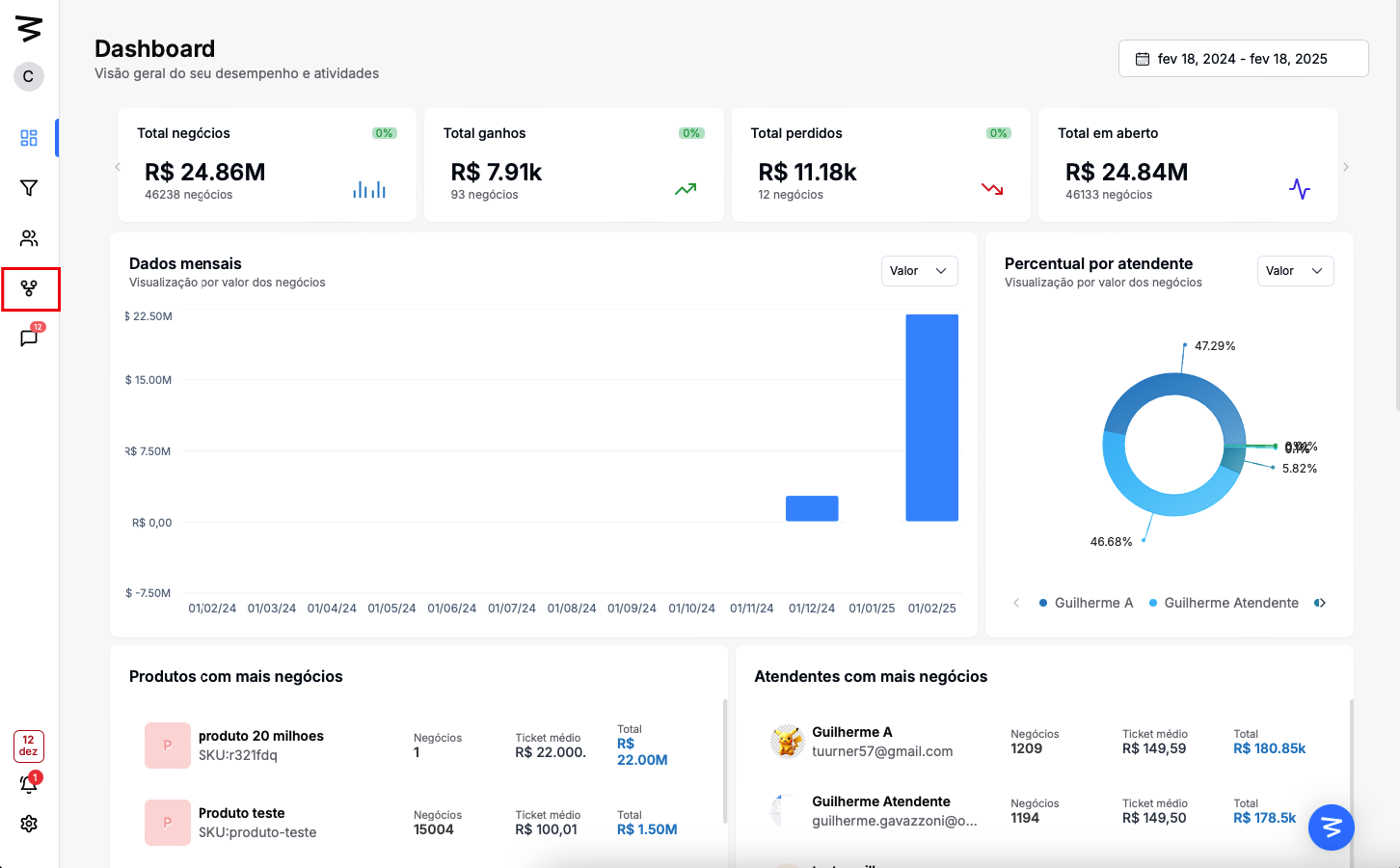
Step 1: Go to the automations screen
In the left side menu, click on "Automations".
Step 2: Create a trigger
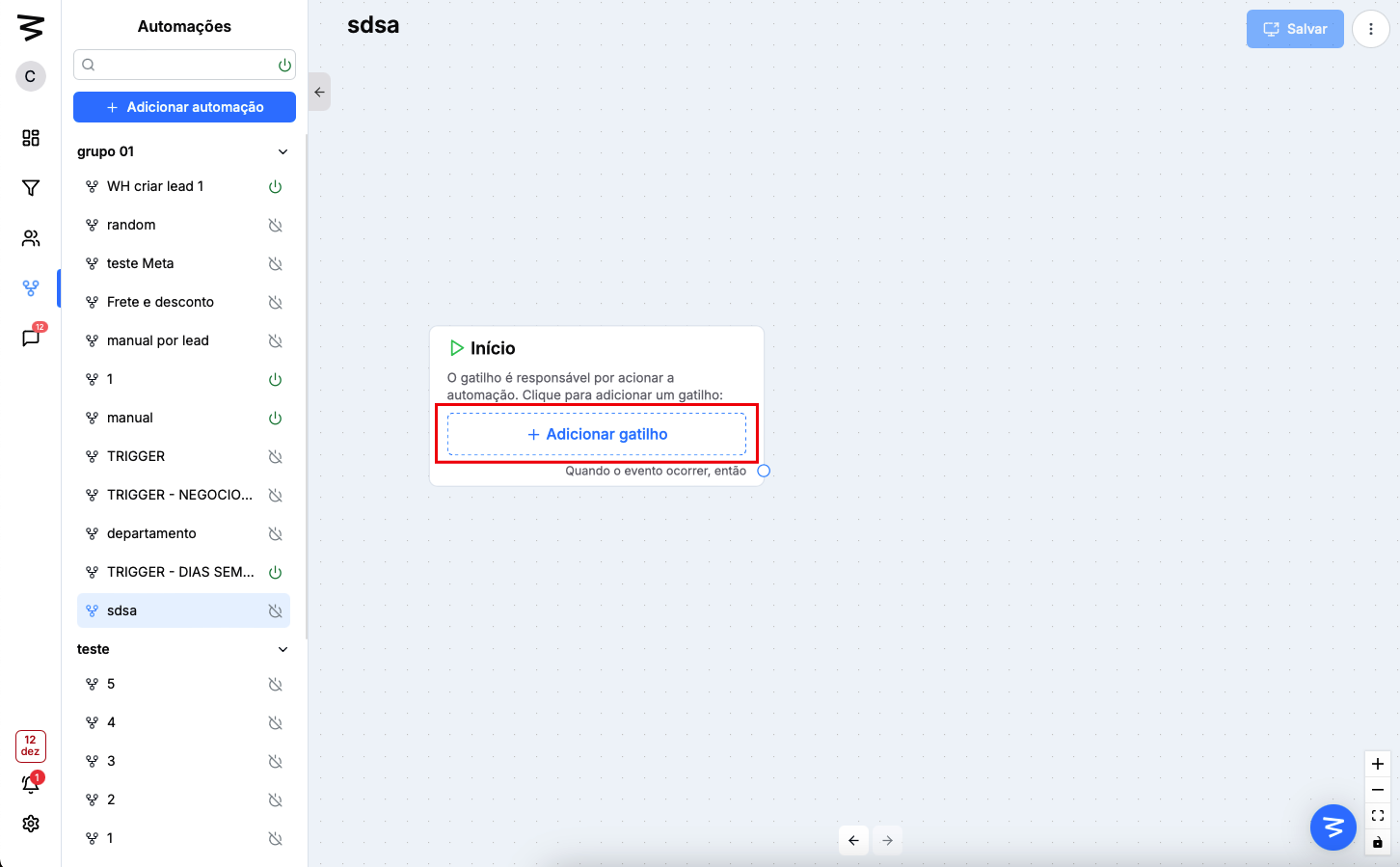
If you already have an automation just open it, otherwise you'll need to add a new one using the side menu
Click the "Add trigger" button
Go to the lead trigger options
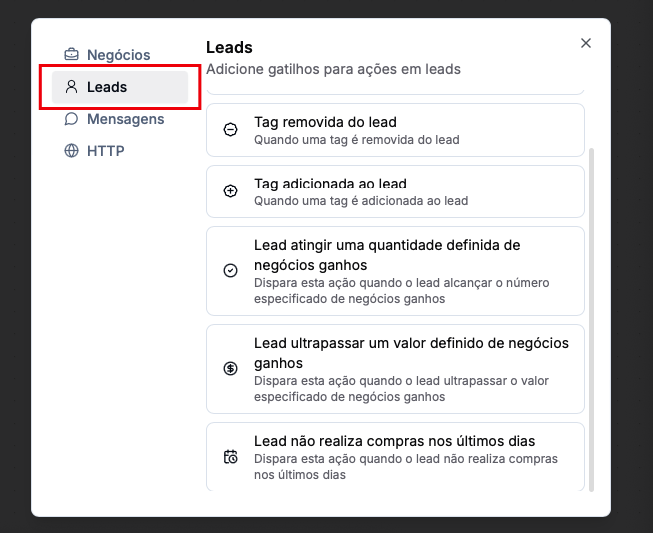
Select "Lead reaches a defined number of won deals"
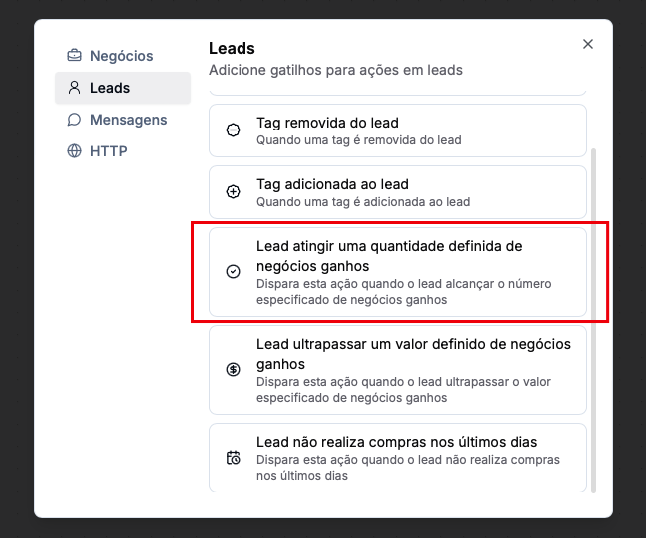
Step 3: Set up the trigger
Enter the amount of deals the lead needs to have for the trigger to fire
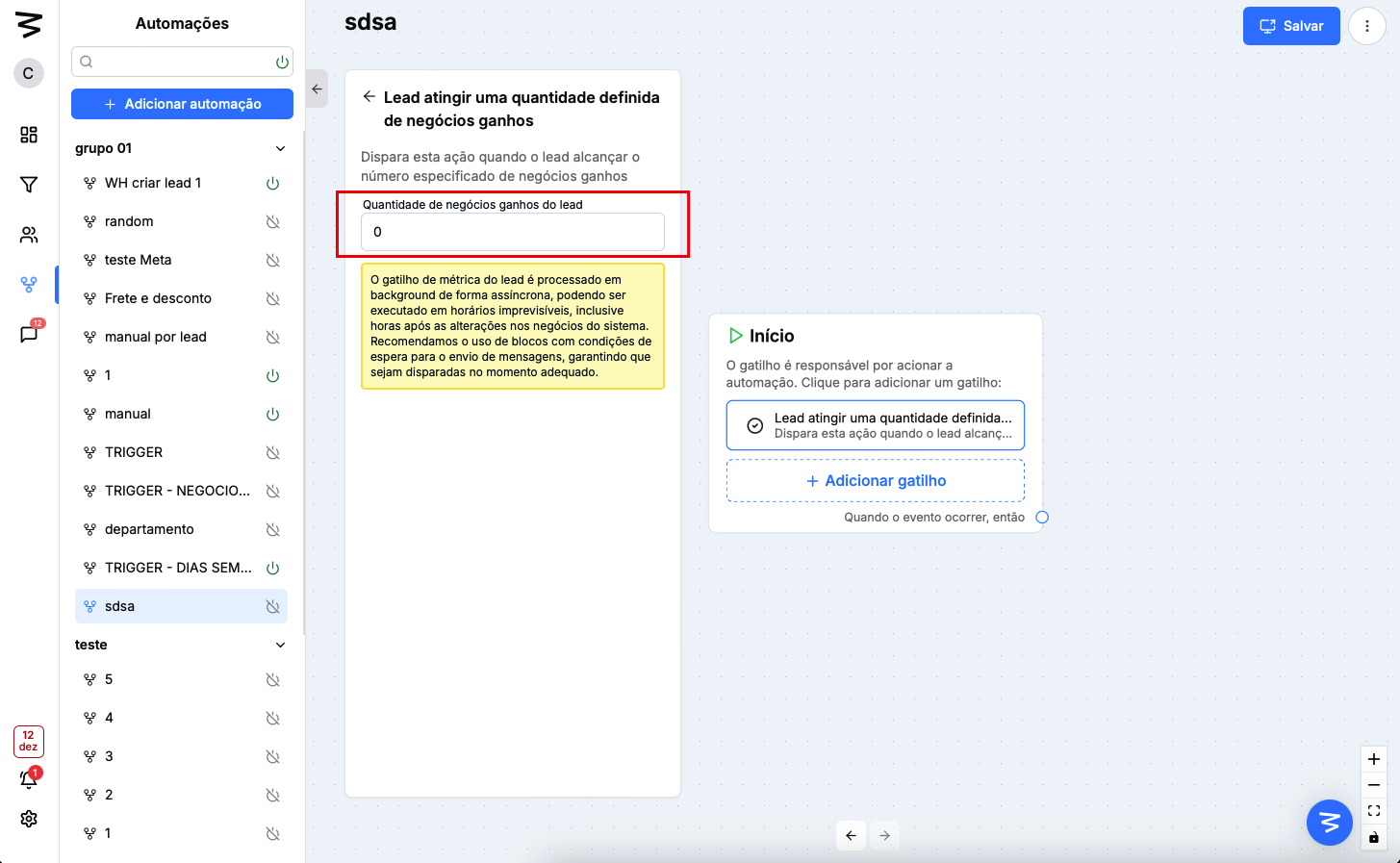
Done! Now you just need to save and activate the automation to use it