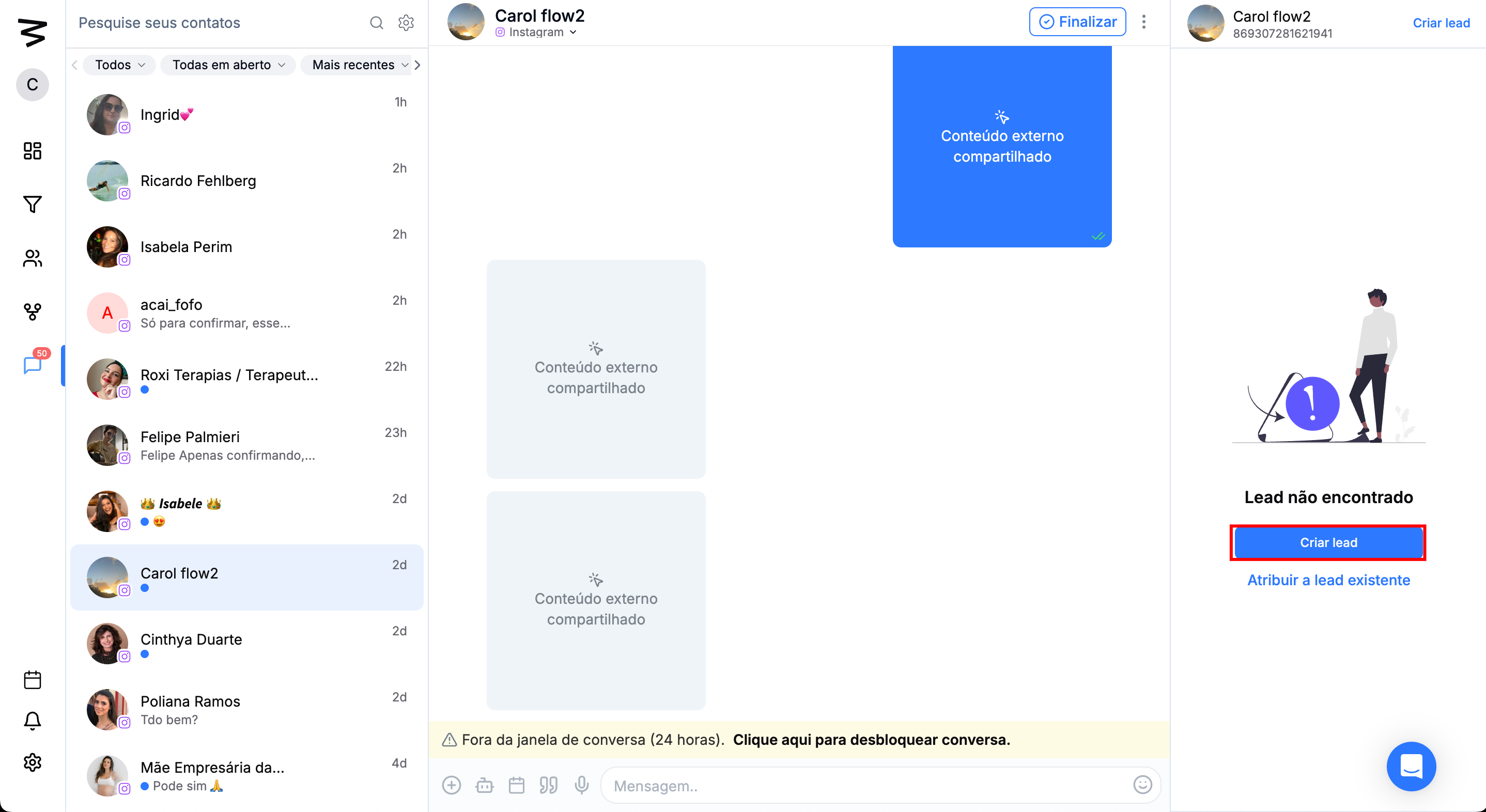
In MultiatendimentoMultiatendimento, when a new contact starts a conversation, they are not automatically registered as a lead in the system. To make sure it's easier to manage and track this contact, the user has two options:
Create a new lead – If the contact isn't in the database yet, you can register them right from Multiatendimento.
Assign to an existing lead – If the contact already has a record in the CRM, the user can link them to the corresponding lead.
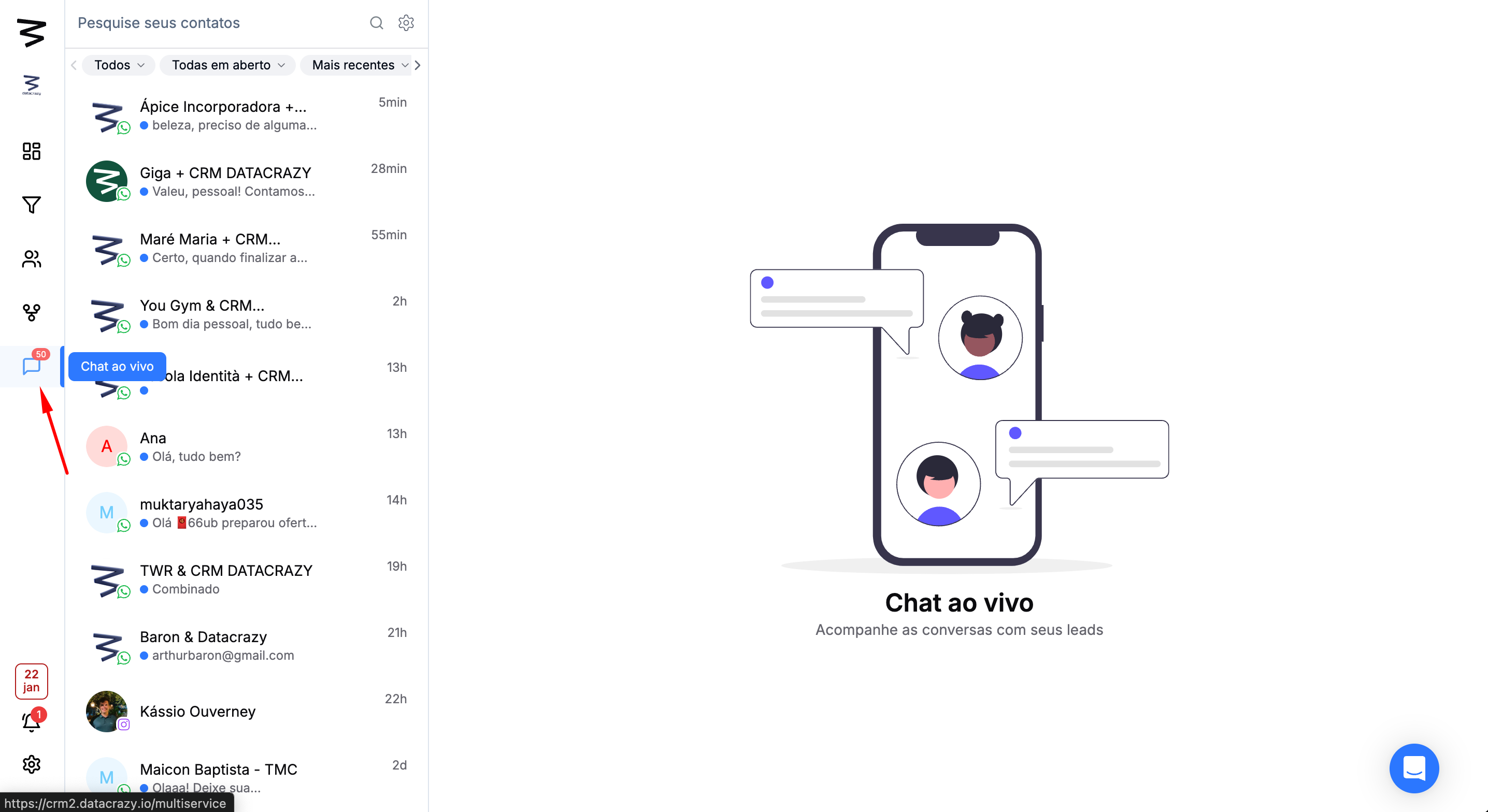
Step 1: Access the Multiatendimento section
In the left side menu, click on the Multiatendimento option.
Step 2: Assign to an existing lead or Create lead
Click the contact that joined multiatendimento.
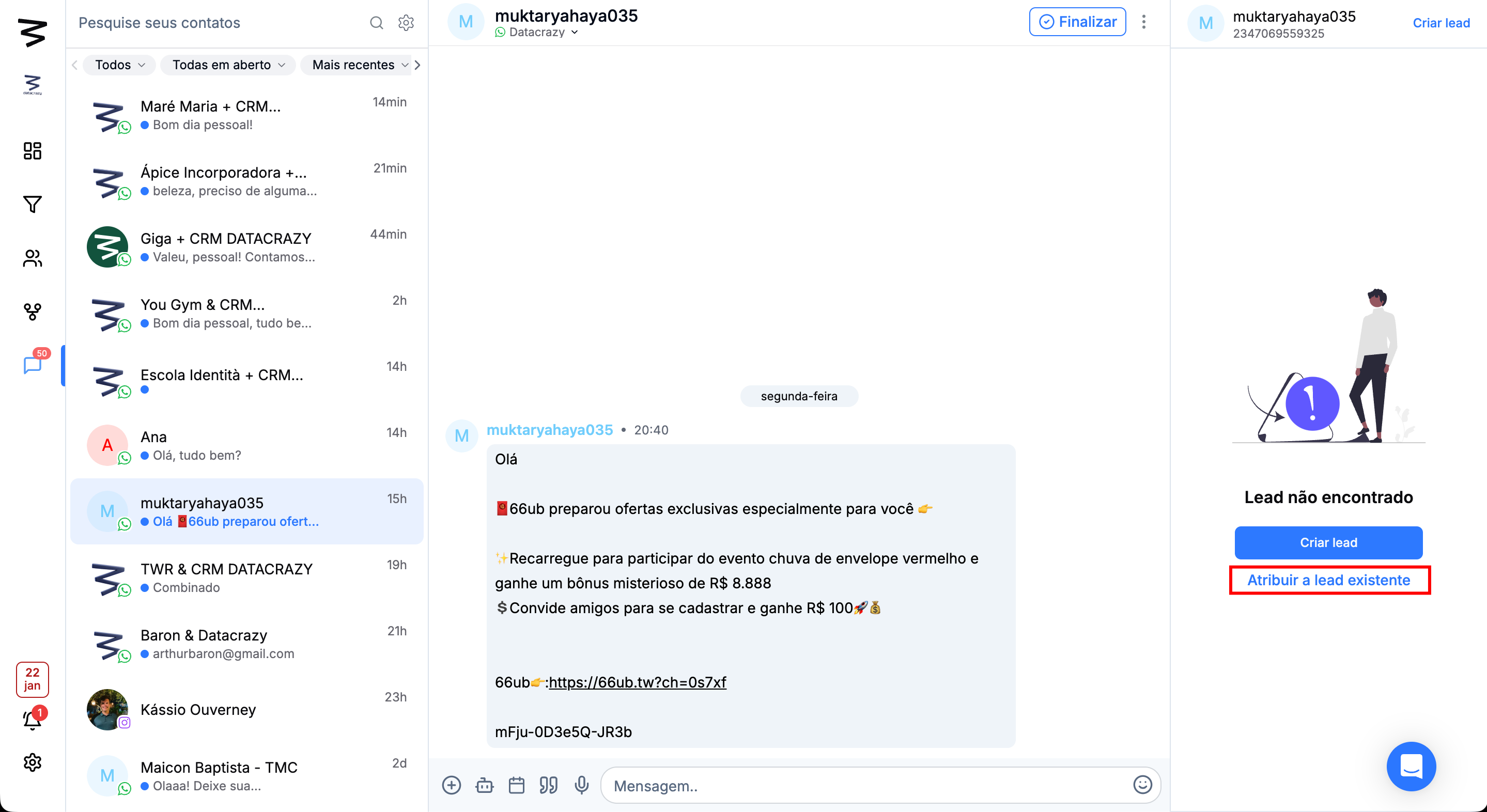
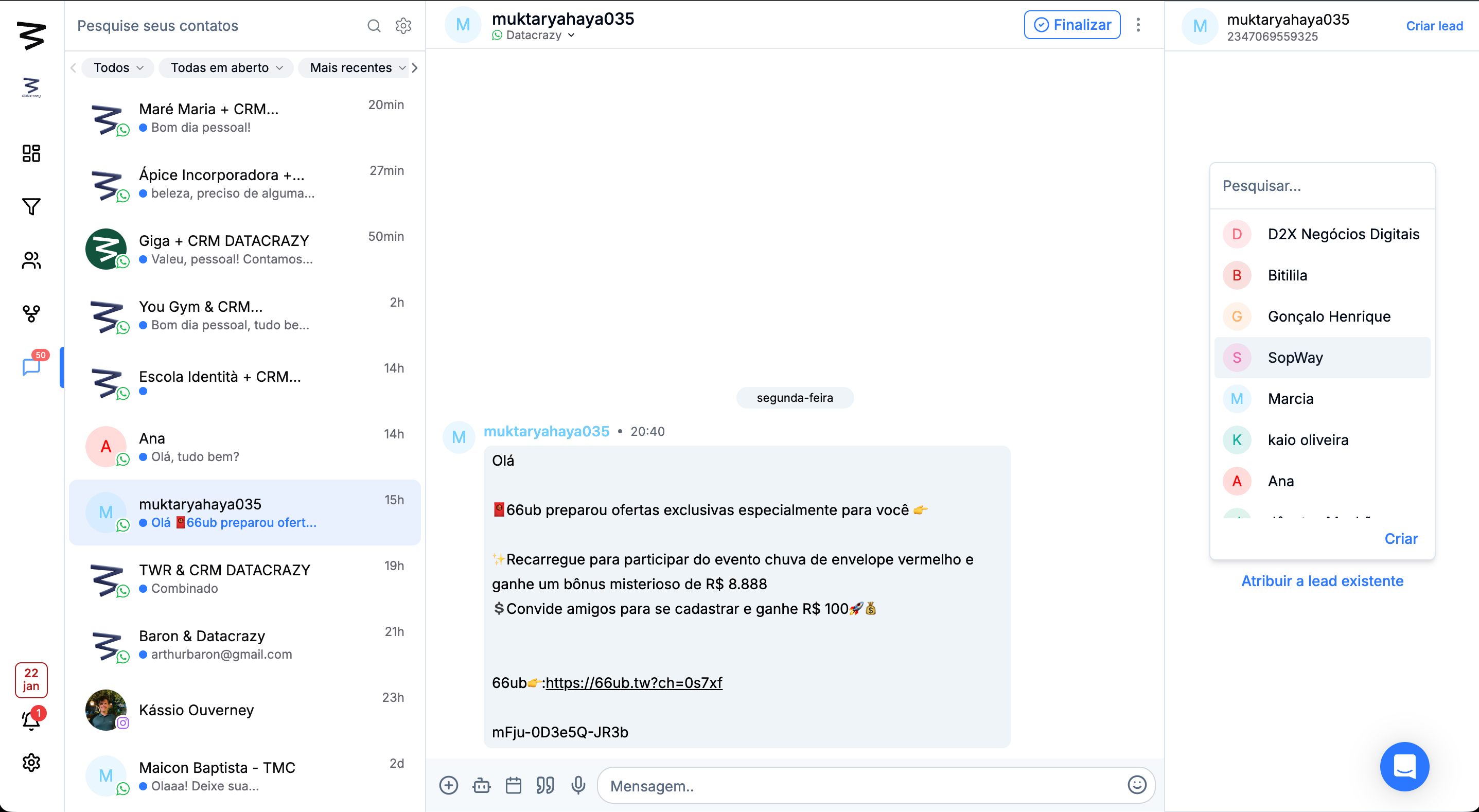
In the right side menu, click the "Assign to existing lead" option.
Select the lead you want to assign to this contact.
If you want to create the lead, just click "Create Lead."