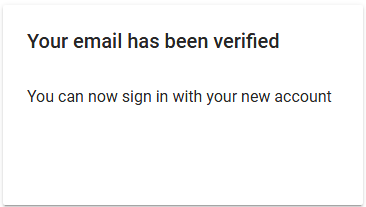
Step 1: Creating an Account on Datacrazy
To create an account on the Datacrazy CRM, follow the steps below:
Access the registration link: https://crm.datacrazy.io/register.
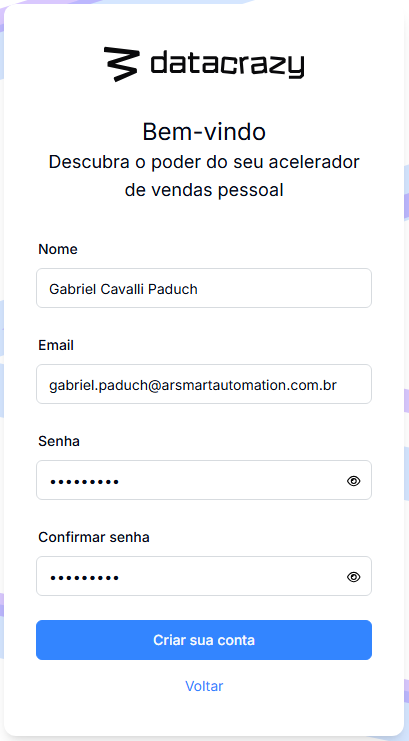
Fill in the following information in the registration form:
Full name;
Email;
Password.
Confirm your email:
After registration, check your inbox and locate the confirmation email.
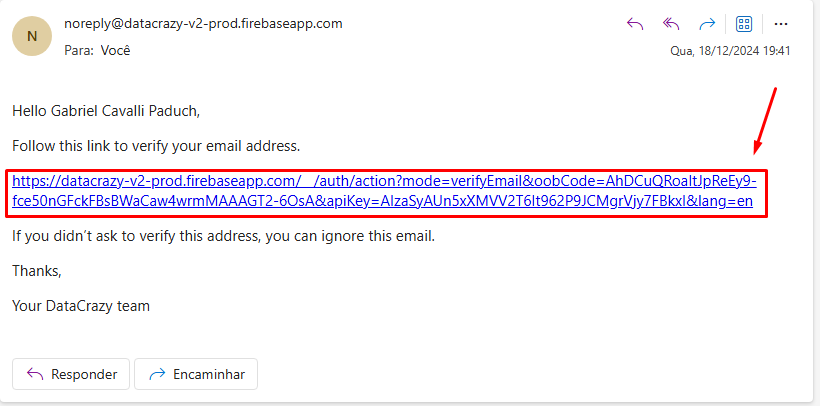
Click on the link you received to be redirected to the registration completion page.