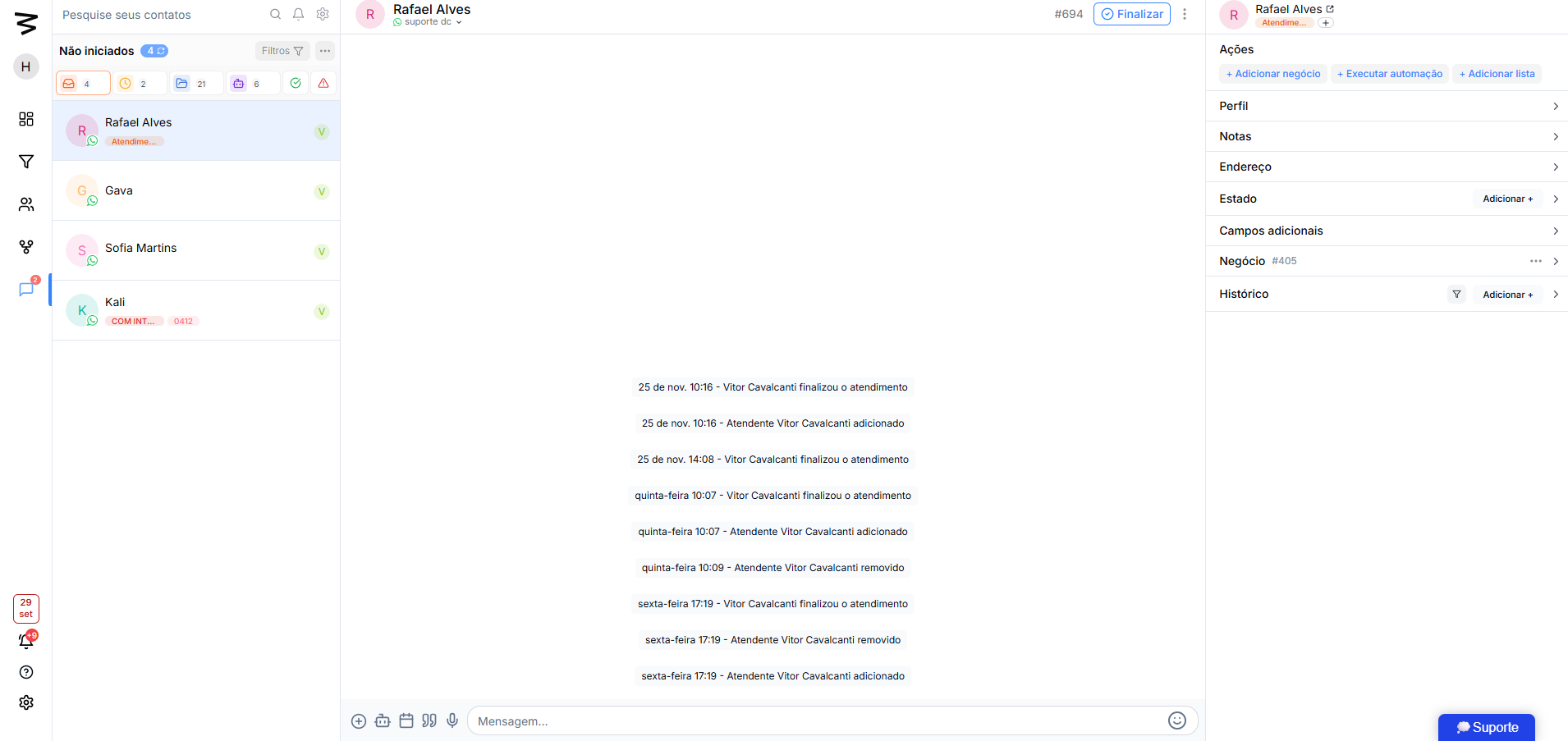
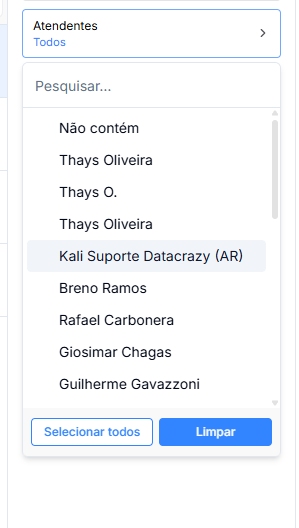
Conversation filters help agents view and manage chats more efficiently. In the interface, the following agent filters are available:
Here they can select by their own name or choose the doesn't contain option, which shows leads with no agents assigned
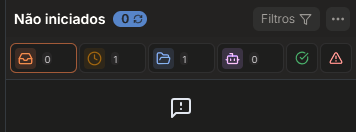
Not Started
Conversations that haven't had any interaction in the CRM yet.
No agent has been assigned or replied.
Waiting
Leads that have already sent a message and are waiting for an agent's reply.
Critical status for response time.
Open
Tickets already started by an agent and still in progress.
It stays like this until the ticket is finished.
Bot
Conversations in an automatic flow, answered by automations or AI.
While the flow is active, the lead stays in this status.
Finished
Tickets manually closed by the agent.
The conversation history stays available for review.
Failed
Conversations with message sending errors or automation failures.
Used for diagnosing and fixing technical issues.
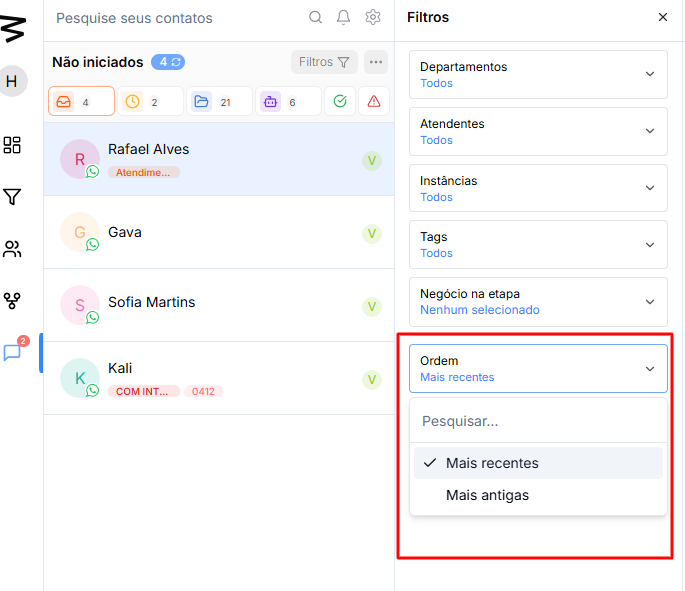
Agents can sort conversations by chronological order, making it easier to prioritize service. The available sorting options are:
Most recent: Shows the conversations that had the most recent interactions at the top of the list.
Oldest: Shows the oldest conversations first, so no service gets forgotten.
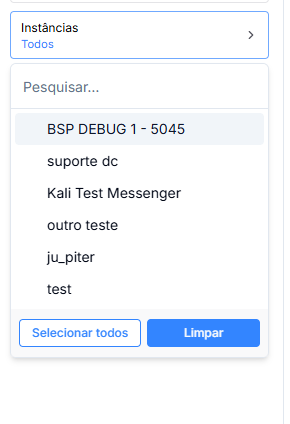
Lets you filter conversations according to the connections integrated into the system, like WhatsApp, Instagram, and other APIs set up in the CRM.
Sample options available:
All connections: Shows conversations from all available connections.
BSP DEBUG 1 - 5045: Filters conversations received through this specific connection.
Ju_piter: Filters conversations coming from the integration with Instagram.
Support dc: Filters conversations received by the main WhatsApp channel.
Enter section selection mode
